## 查看mongo数据
~~~
yum install nodejs-dev node-gyp libssl1.0-dev
yum install npm
~~~
~~~
cd /www/wwwroot
git clone https://github.com/mrvautin/adminMongo
cd adminMongo
npm install
npm start
~~~
访问地址 http://127.0.0.1:1234
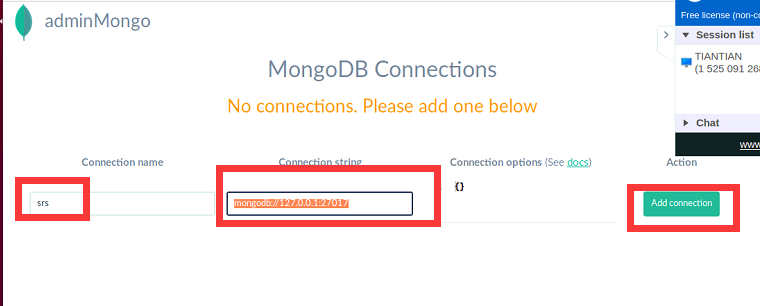
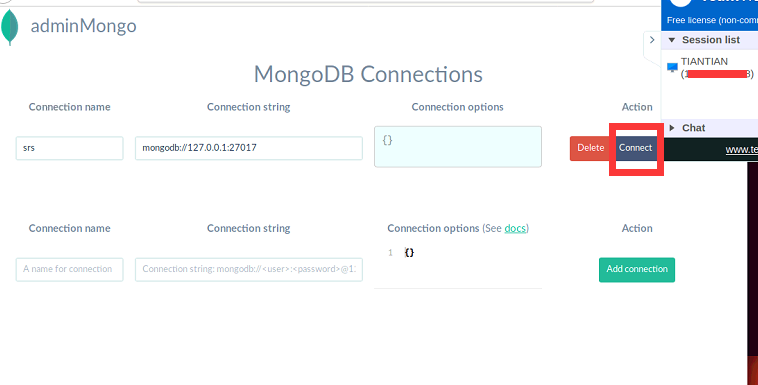
填写内容
~~~
mongodb://127.0.0.1:27017
~~~